Break down the illusion before dividing the work
Begin with what the audience must believe. If a creature passes a window, the important cues may be its scale, a moving shadow, a performer's eyeline and a brief reflection. The creature itself might be digital, while the light change and the actor's reaction happen in camera. This division preserves useful physical interaction without requiring every visible element to exist on set.
Write a shot breakdown that identifies what is photographed, what is constructed, what is removed and what is added. Include the camera movement and the duration of the effect. A locked-off background replacement and a handheld close-up with hair crossing the replacement boundary are fundamentally different tasks, even if both are casually described as “adding a background.”
Practical does not automatically mean cheaper, and digital does not automatically mean unlimited. A miniature needs construction, suitable lighting and photography. A digital asset needs modeling, surfacing, animation, lighting and integration. Choose the division by asking which method produces the required evidence most reliably within the available crew and schedule.
Keep physical effects inside a safe production plan
Physical effects can include makeup, breakaway props, miniatures, atmospheric effects and mechanical movement. Each category has different risks and may require qualified specialists, permissions, ventilation or controlled access. This guide is not an operating procedure for pyrotechnics, weapons, stunts, pressurized systems or hazardous materials.
Use competent professionals and a documented risk assessment whenever an effect can harm people or property. Do not assume that a commercially available product is safe for an enclosed set or prolonged exposure. An effect that is visually modest can still present respiratory, electrical or mechanical hazards. Replacing a dangerous element digitally may be the right creative and operational decision.
Capture references that answer specific questions
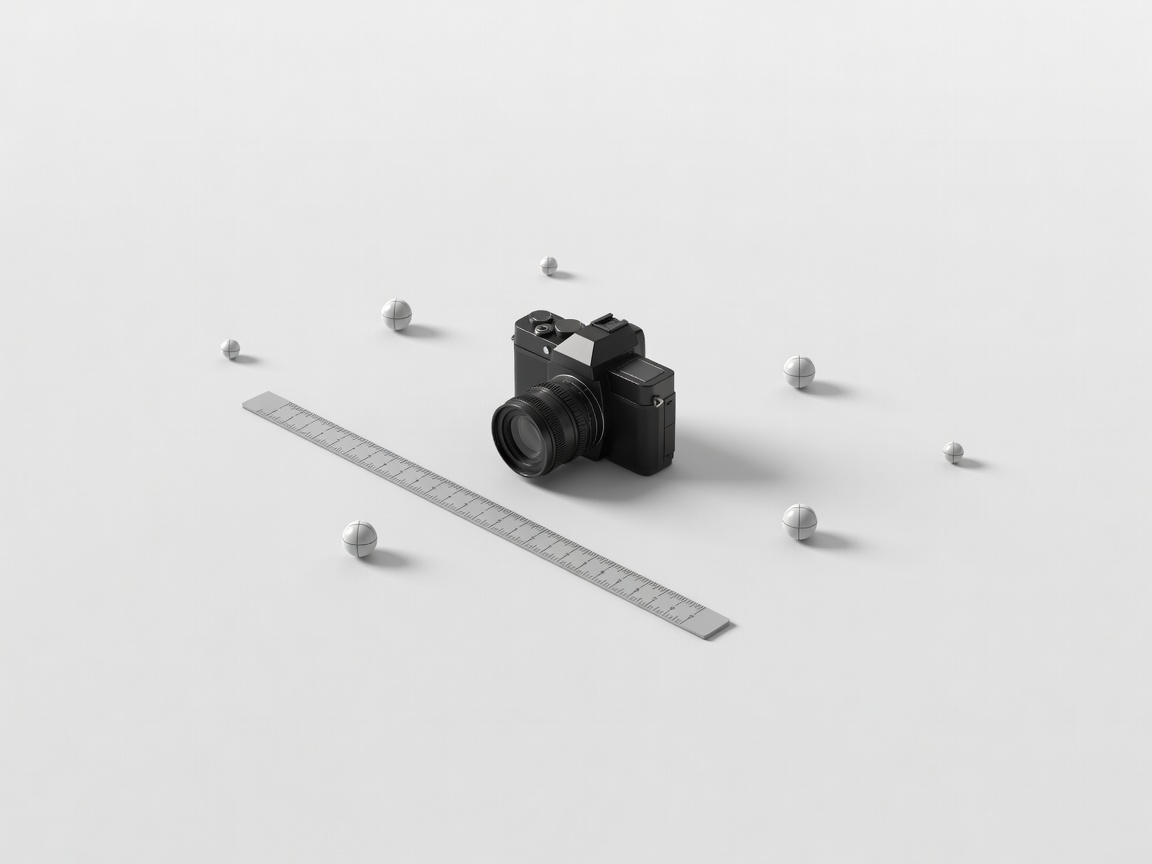
A clean plate records the environment without the object or performer that will be removed. Its value depends on matching the shot. If the camera moves, a casually filmed empty room may not supply the needed perspective. Discuss plate requirements with the effects artist before the location changes or the lighting is dismantled.
Record useful lens and camera information, including focal length, focus distance where available, sensor mode and any stabilization or in-camera distortion correction. Lens grids can help characterize distortion. Measurements establish scale. Lighting references, including bracketed environment captures when appropriate, can help reproduce the direction and intensity of illumination. None is a universal checklist item: collect the references the actual technique requires.
Tracking markers should provide visible, non-repeating detail without creating unnecessary cleanup. A green screen requires sufficient separation, exposure control and a plan for spill, reflections and fine edges. It is not a universal replacement for a background. Rotoscoping may be more practical for some short shots, while an LED volume brings its own camera, synchronization and colour constraints.
Make the digital camera agree with the photographed one
Matchmoving reconstructs camera motion from image features and supporting data. A plausible solve is not necessarily an accurate one: a ground plane or simple test object should remain attached to the scene throughout the shot. Rolling-shutter distortion, motion blur, insufficient texture and changing focal length can all make a solve harder.
Blender, Autodesk Maya and SideFX Houdini support different combinations of modeling, animation and simulation workflows. The appropriate choice depends on the task, existing assets and team knowledge. A convincing rigid object may require little simulation; a complicated particle setup may contribute nothing if the scale, timing or contact shadows are wrong.
Render tests should check camera alignment, motion blur, illumination and contact before expensive detail is added. Agree the colour pipeline early. OpenEXR can carry high-dynamic-range image data and multiple channels, but a file extension alone does not establish the colour space or alpha interpretation. Label those properties explicitly in the handoff.
Composite the evidence, not just the object
Compositing combines photographed and generated elements into one image. Foundry Nuke, Blackmagic Fusion and Adobe After Effects offer different working approaches, but the underlying questions are similar: do edges, sharpness, grain, motion blur, light and perspective belong together? A technically clean matte can still look wrong if the inserted object is too crisp or has no credible interaction.
Check premultiplied versus straight alpha handling to avoid dark or bright fringes. Keep creative changes distinguishable from technical corrections. Work in the agreed scene-referred or display-referred context, and avoid baking a viewing transform into an element that the finishing team expects to grade as source imagery.
Review against the moving sequence, not only a paused frame. Use versioned shot names, agreed frame ranges and handles. Track which version editorial is using and which version is approved for finishing. The OpenColorIO documentation provides useful background on managed colour workflows; your production still needs a shared configuration and a tested exchange.
Bench test: complete one representative composite before filming all similar shots. The test should include the intended camera movement, a difficult edge and the final colour handoff.